Browse, keep, remove.
The photo viewer Mac should have had. Open any folder, zoom into every shot, delete the bad ones fast.
7-day free trial · One-time purchase · No subscription

Everything you actually need
Nothing you don't. No subscriptions, no bloat.
Beautiful grid view
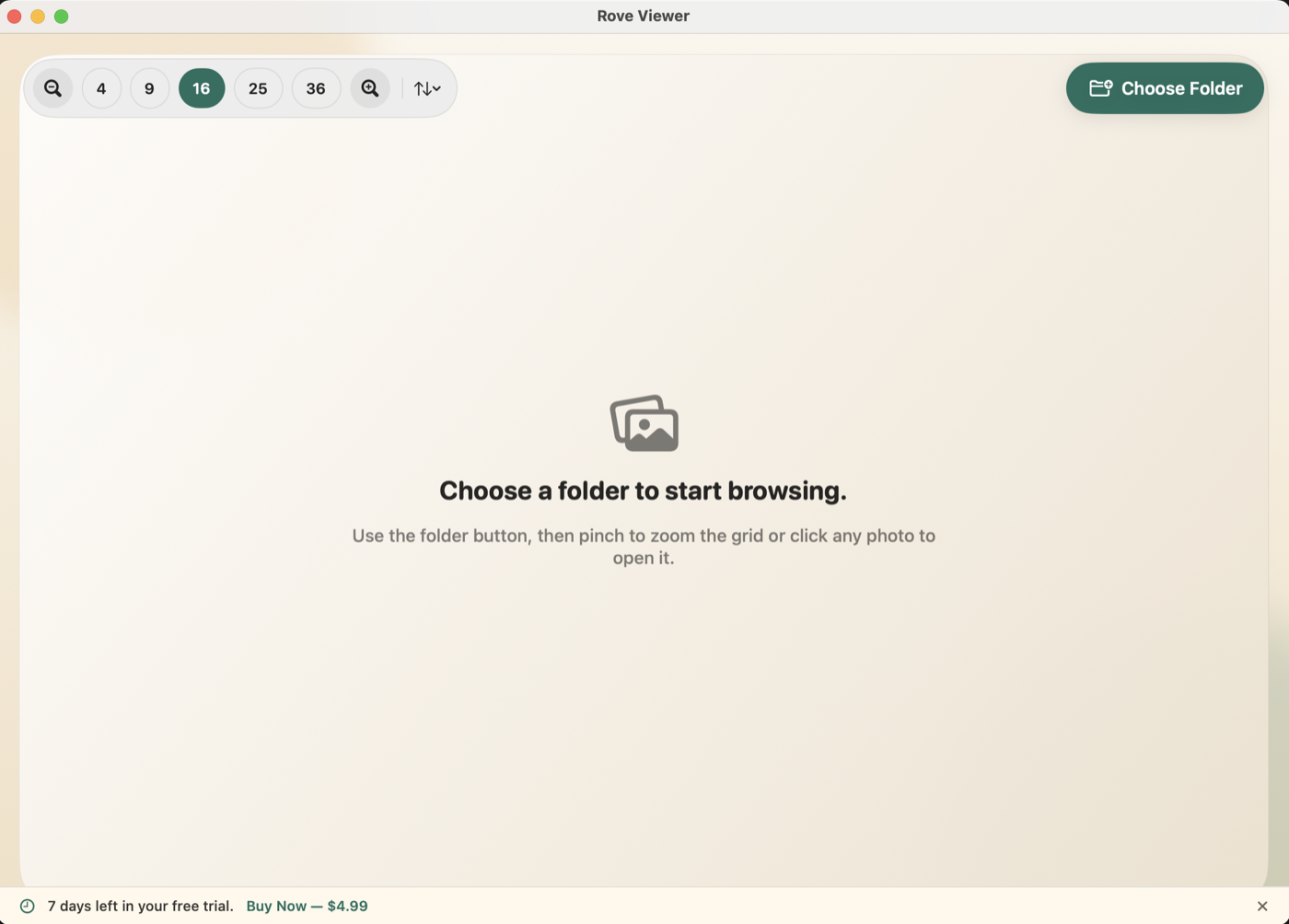
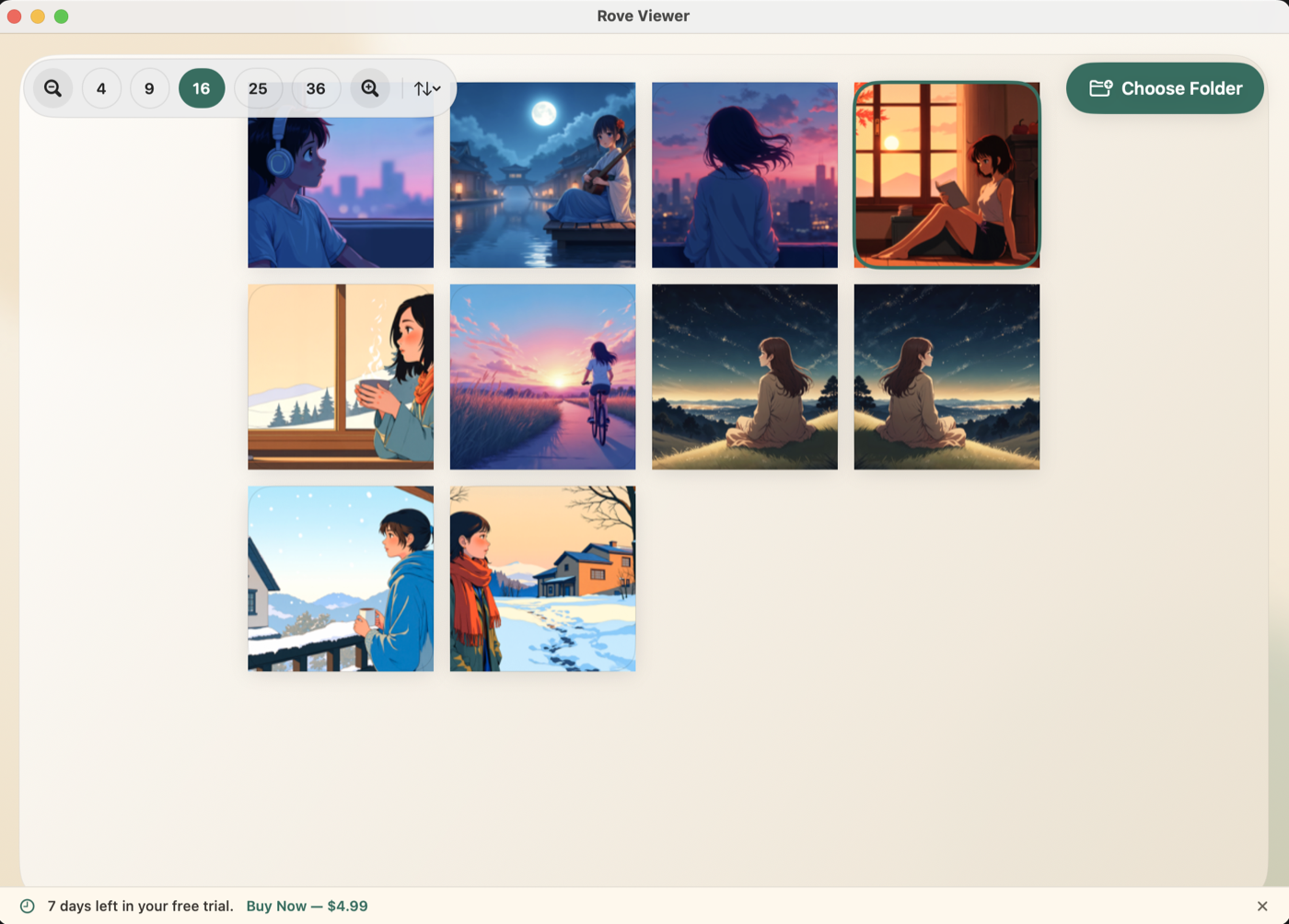
Browse any folder as a crisp thumbnail grid. Pinch or use the toolbar to zoom between 4 and 36 photos at a time.
Zoom and pan
Open any photo and pinch to zoom in, then drag to explore every detail. Double-tap resets to fit. It's as smooth as it sounds.
Multi-select and batch delete
⌘-click to select multiple photos, Shift-click for a range. Delete the whole batch at once — all moved safely to Trash.
Sort any way you like
Sort by name A–Z, Z–A, newest first, or oldest first. Rearranges instantly with no reload needed.
Drag and drop folders
Just drag a folder from Finder onto the app window and it opens immediately. No file picker required.
Light and dark mode
Rove follows your system appearance automatically. Warm cream tones in light mode, rich dark tones at night.
So simple it barely needs explaining
Drop a folder
Drag any folder of photos onto Rove, or use the Choose Folder button. Your photos appear instantly.
Browse freely
Scroll through the grid, open any photo to view it full size, zoom in, navigate with arrow keys.
Keep the good ones
Select the photos you don't want, hit Delete — they go to Trash. Done. Clean folder, done fast.
Try free. Buy once.
No subscriptions. No upsells. Just the app.
- ✓ 7-day free trial, no credit card needed
- ✓ Unlimited folders and photos
- ✓ All features included — nothing locked
- ✓ Free updates for this version
- ✓ Runs entirely on your Mac — no cloud, no account
Payment processed securely by LemonSqueezy. License key delivered by email.
Common questions
Does the trial need a credit card?
No. Just download, install, and you have 7 full days to try everything. No sign-up required.
Is this a subscription?
No. $4.99 once, yours forever. Pay when you decide you like it.
What Mac do I need?
Rove requires macOS 12 Monterey or later. It runs natively on both Apple Silicon (M1/M2/M3/M4) and Intel Macs.
What image formats are supported?
JPG, PNG, HEIC, HEIF, WEBP, GIF, BMP, AVIF, TIFF. The formats you actually use.
macOS says the app "can't be opened" — what do I do?
Because Rove is currently distributed directly (not through the Mac App Store), macOS may block it the first time.
To open it: right-click the app → Open → Open. Or go to
System Settings → Privacy & Security → Open Anyway.
If you still see an error, open Terminal and run:
xattr -cr "/Applications/Rove Viewer.app"
How do I activate my license after buying?
After purchase, you'll get a license key by email. Open Rove Viewer — when the trial ends, you'll see a field to enter your key. Paste it in and click Activate. That's it.
Is my data private?
Completely. Rove runs 100% on your Mac. Your photos never leave your device. The only network call the app ever makes is to validate your license key.
Something's not working — can I get help?
Email us at support@roveviewer.com and we'll get back to you.